This article applies to BOOST EMPOWER licenses
Purpose and scope
This article describes how to delete a workspace.
CAREFUL
When deleting a space, all data in that space is deleted, with the exception of data on third-party systems.
Prerequisite
You must have project manager rights or administrator rights to clear a workspace.
Procedure
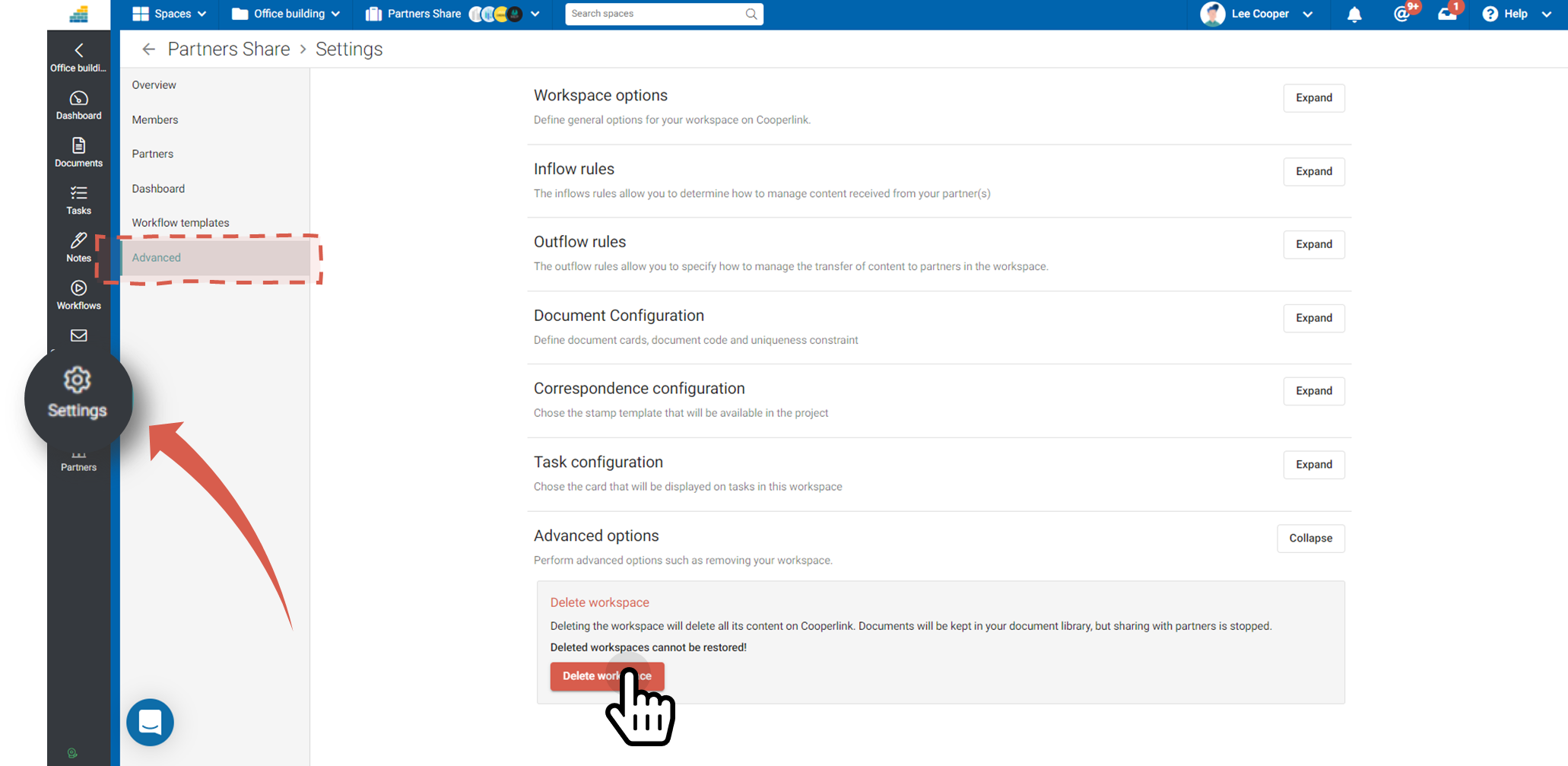
Go to workspace settings, General tab, Advanced Options section.
Then click Delete Workspace.